# Informations
### FREZ's SMP
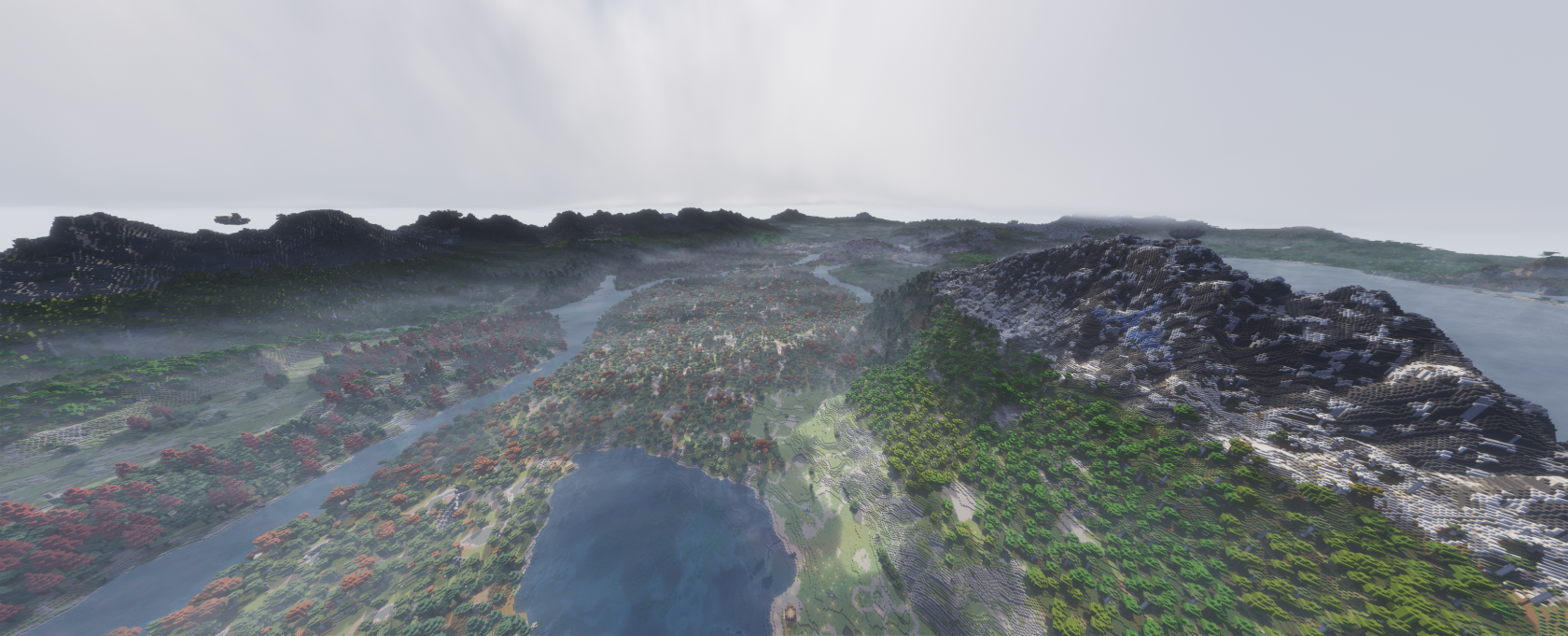
Awoooo this is my minecraft server, i wish i had a name for it.
[](https://wiki.frezlotte.ch/uploads/images/gallery/2026-03/tJg4AvEzJ4GbDI7B-2026-03-15-14-17-56.png)
##### Adresse is :
```
frezlotte.ch
```
### Step by step install guide
[Available HERE](https://wiki.frezlotte.ch/books/minecraft-frezs-smp-I8Y/page/installation-guide)
### Newcomers tips
#### Text Chat
By default chat messages you sends are limited in a 32 block radius (2 chunks)
to be SHOUTING and speak to the whole server, you can put `!` at the benninnginninng of every message or do `/toggleshout`
Be aware that, by default, all your shouts are sent to my discord server, anyone on that server can read them as well as people online in game (they can also sends messages to the game, you'll see :3)
#### Voice chat
If you installed the mod Simple voice-chat, (AS shown in the [install guide](https://wiki.frezlotte.ch/books/minecraft-frezs-smp-I8Y/page/installation-guide)!), you should be prompted to press the `V` key to configure the in game voice chat.
Be aware that when your mic is opened and connected, people might hear you
It have been found in the past that you could exploit the protocol to listen to ppl without being connected to the server and/or being close to them
I'd advise to close your mic when you don't expect ppl to hear you (you can do so at any time using the menu with the V key)
### Texture packs
[https://modrinth.com/resourcepack/mandalas-gui-dark-mode?version=1.21.11](https://modrinth.com/resourcepack/mandalas-gui-dark-mode?version=1.21.11)[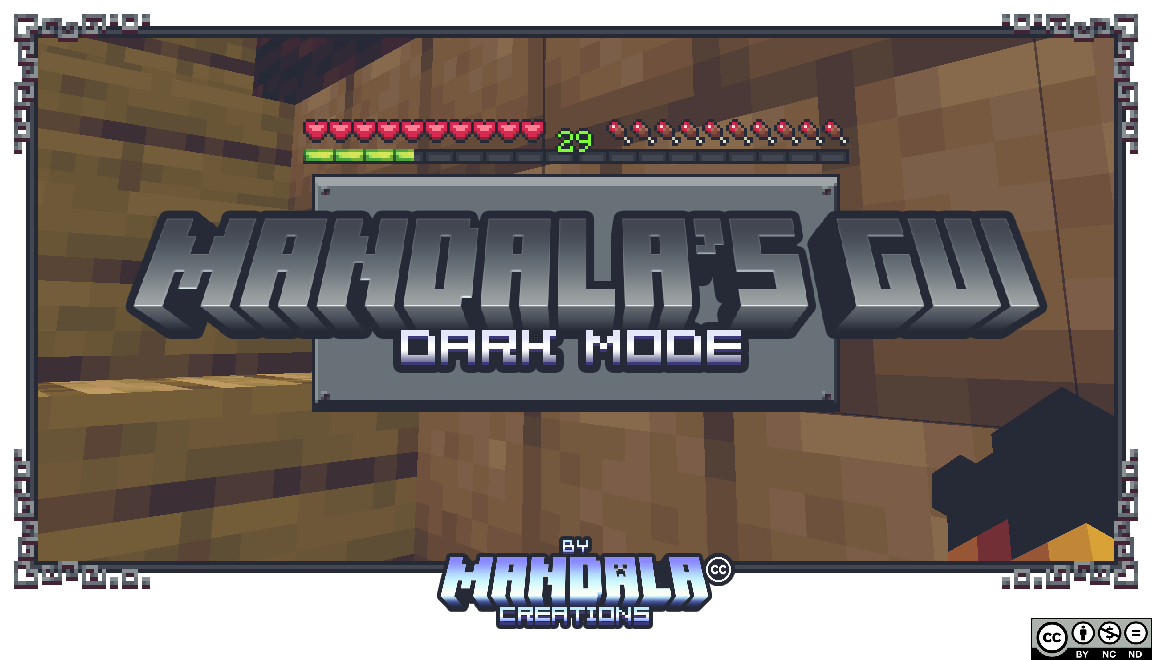](https://wiki.frezlotte.ch/uploads/images/gallery/2026-03/7TCOw0HhbS4GZOBG-image.png)
### Shader pack
##### Distant Horizons compatible shader packs
[https://modrinth.com/collection/UATC4MAu/shaders](https://modrinth.com/collection/UATC4MAu/shaders)
I personally like :
1. [https://modrinth.com/shader/solas-shader](https://modrinth.com/shader/solas-shader)
2. [https://modrinth.com/shader/bliss-shader](https://modrinth.com/shader/bliss-shader)
3. [https://modrinth.com/shader/hysteria-shaders](https://modrinth.com/shader/hysteria-shaders)