Installation guide
1- Get the modrinth app
2- Run the app
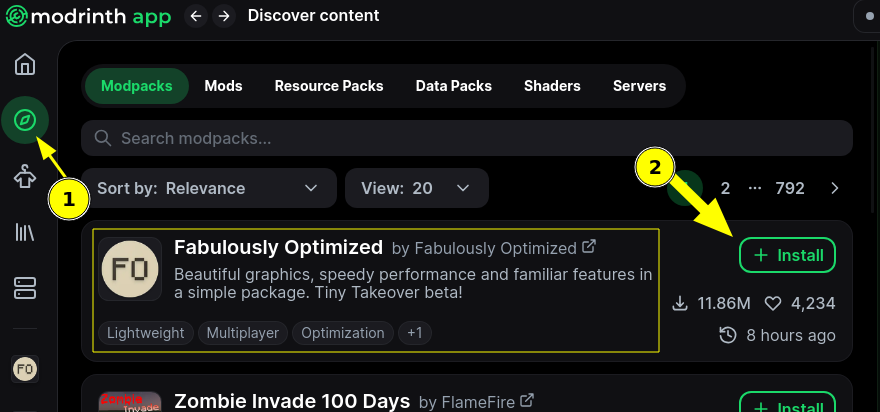
3- Go to "Discovery" Tab
4- First Should be "Fabulously optimized" if not user the search for it in the search bar "Search modpacks..."
5- Click install
6- Follow through until you see a play button, DONT press it yet
7- Install some more content to the modpack
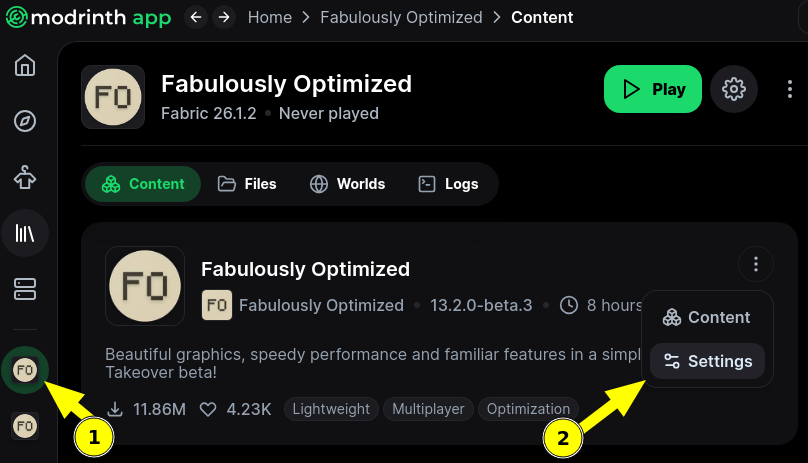
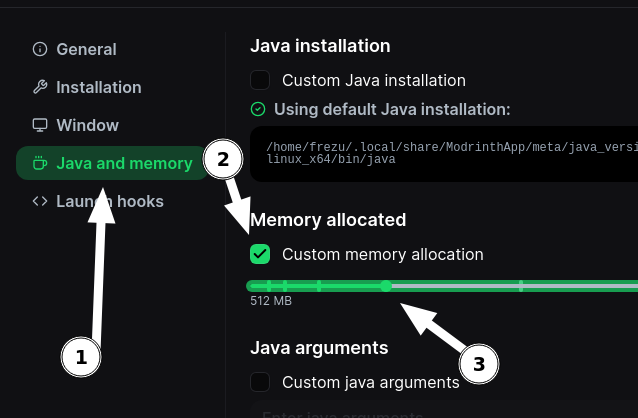
8- Unlink the modpack so you can add some mods manually
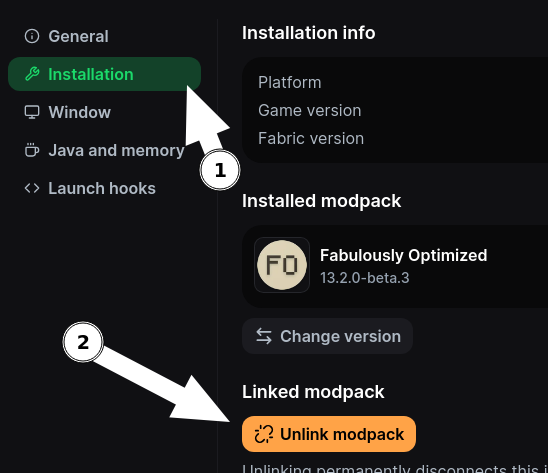
9- OK (croix en haut)
10- Go to add content
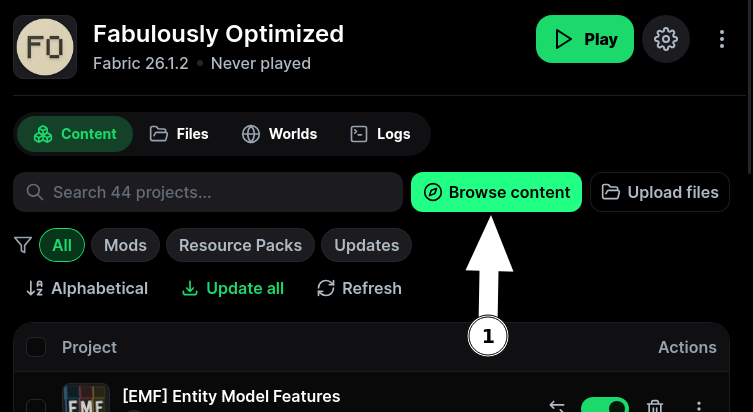
11- Add mods as followed
If you install DIstant Horizon, you will need to do the EXTRA STEP 1
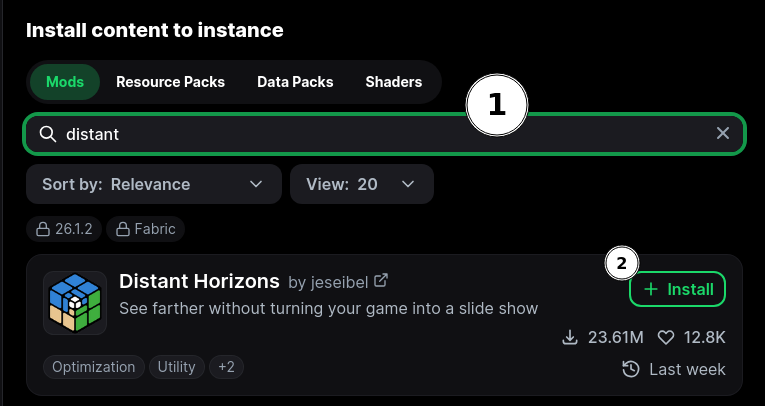
If you install DIstant Horizon, you will need to do the EXTRA STEP 1
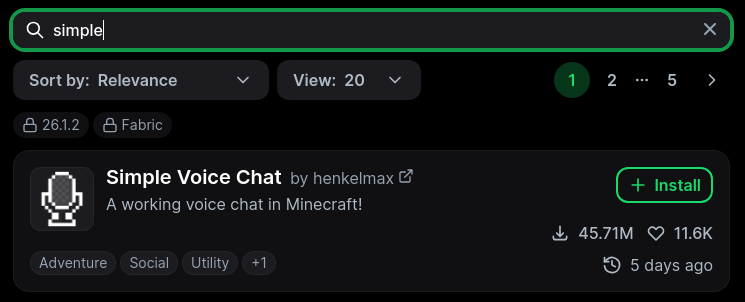


You did it !!!
You can now go "back to instance"
and start the pack
EXTRA STEP 1
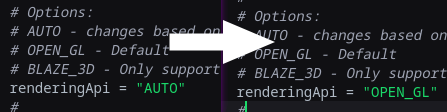
26.1 of minecraft now uses a different implementation of the rendering pipeline, so cause of that, you will need to change something somewhere in the configs, for windows it "SHOULD" work out of the box, just run the game and see if it gives you an error message or not.
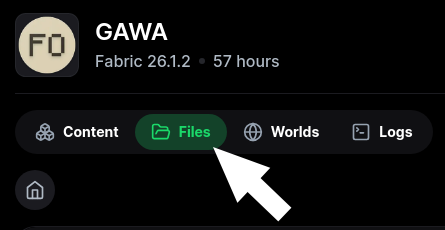
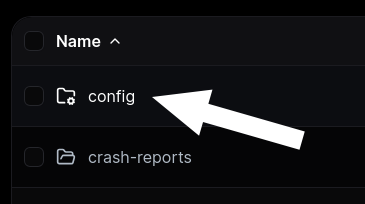
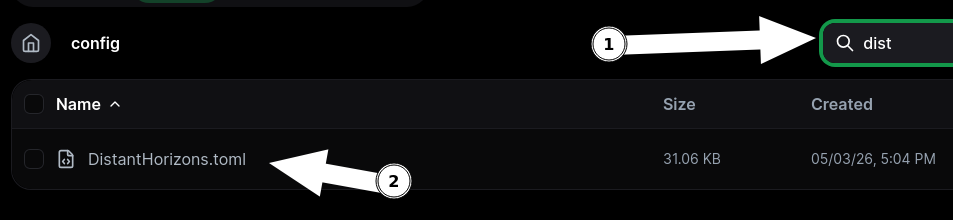
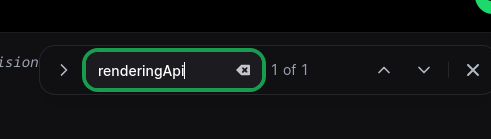
If you have that error message, please do the following: