
26-03-30: Cables.GL, what's that ?!
Good morning beautiful people reading this !
I often mention cables.gl, but what is it ????
Well here's what their website says :
Visual Programming with cables
Cables is a tool for creating beautiful interactive content. With an easy to navigate interface and real time visuals, it allows for rapid prototyping and fast adjustments.
You are provided with a set of operators, such as mathematical functions, shapes, materials and post processing effects.
Connect these to each other with virtual cables to create the experience you have in mind.
Easily export your piece of work at any time. Embed it into your website or use it for any kind of creative installation.
I will not get too technical in this blog post, gonna be short and mainly to showcase stuff i already made :3
Where's VVVV ?
In my first blog post here i used VVVV; And i used it quite a bunch more after that! very cool software.. But after switching completly to linux well... it just not worth the effort to get it running smoothly, every solution i tried resulted in at least one really annoying bug that made the experience a pain.
Searching for an alternative
So i wondered, is there anything else like VVVV ?
I tried a few, puredata/plugdata - TouchDesigner - others you can find on here : https://alternativeto.net/software/vvvv/
Then i came across cables.gl, at first redo-ing my project on there wasn't really straight forward, linkage order between nodes is much more important than in VVVV, and for some, a bit less intuitive (thanks to the online examples and ressources i did it!)
In 4V i was able to use the sound output of the pc directly, AFAIK there is no easy way of doing it in cables.gl, i could do a sink that sends it back to an input but am lazy and so i just went with the "media player" approach at that time
First project, music visualiser with a fixed music and text
https://public.frezlotte.ch/cables/music_visualiser_old/
There's a lot of keybinds u have to know to use (Q-A; W-S; E-D; clicks and scroll), and parameters are not clamped (stopping to a min or a max) so u can easily make it look like crap or stop rendering, but as a first project, not bad :3 Also it made me learn that not everything translates well on a browser, for some reason at that time the multi-ports nodes worked fine in editor but broke everything in a webpage, really painful for a newcomer.
Second project, new year clock
https://public.frezlotte.ch/cables/year_countdown/
New year was coming fast and i wanted to do something, either a mini game / activity or idk, something
For some reasons i won't go into details about, i wasn't sure with who i would spend my NY eve, but shortly after getting an idea of some "plans", i got to work on the timer to put on a tablette somewhere
At first i really wanted to put a rick roll or SOMETHING at 00:00, that would had been fun, but i ran out of time and just made a quick "HNY" and made the background go a tad faster, that's it.
Looking back a lot of ppl used it so i would had felt bad rickrolling all their families... i won't do it this year ! no promises tho :3
Second project, the sequel
Worked well for new year, but i wasn't gonna stop there, it's a gimmick but the background was really pretty, even at that time
i wanted more control and settings, and i came across the notion of sidebar
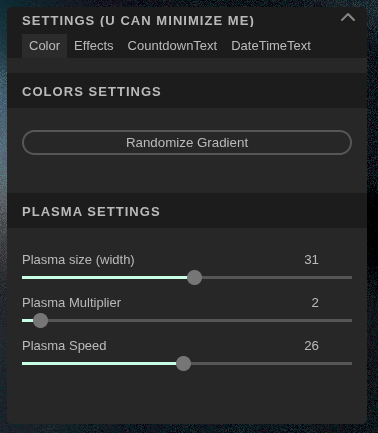
This little fella, you can toggle it at anytime top right of the browser, in there i made multiple pages, and tbh, am quite happy with how it is right now
Using it i was able to find some very pretty settings really fast, using vvvv i thought of it as a menu you did after the fact, but in cables.gl, having it along the making of something is really useful to be prototyping in no time
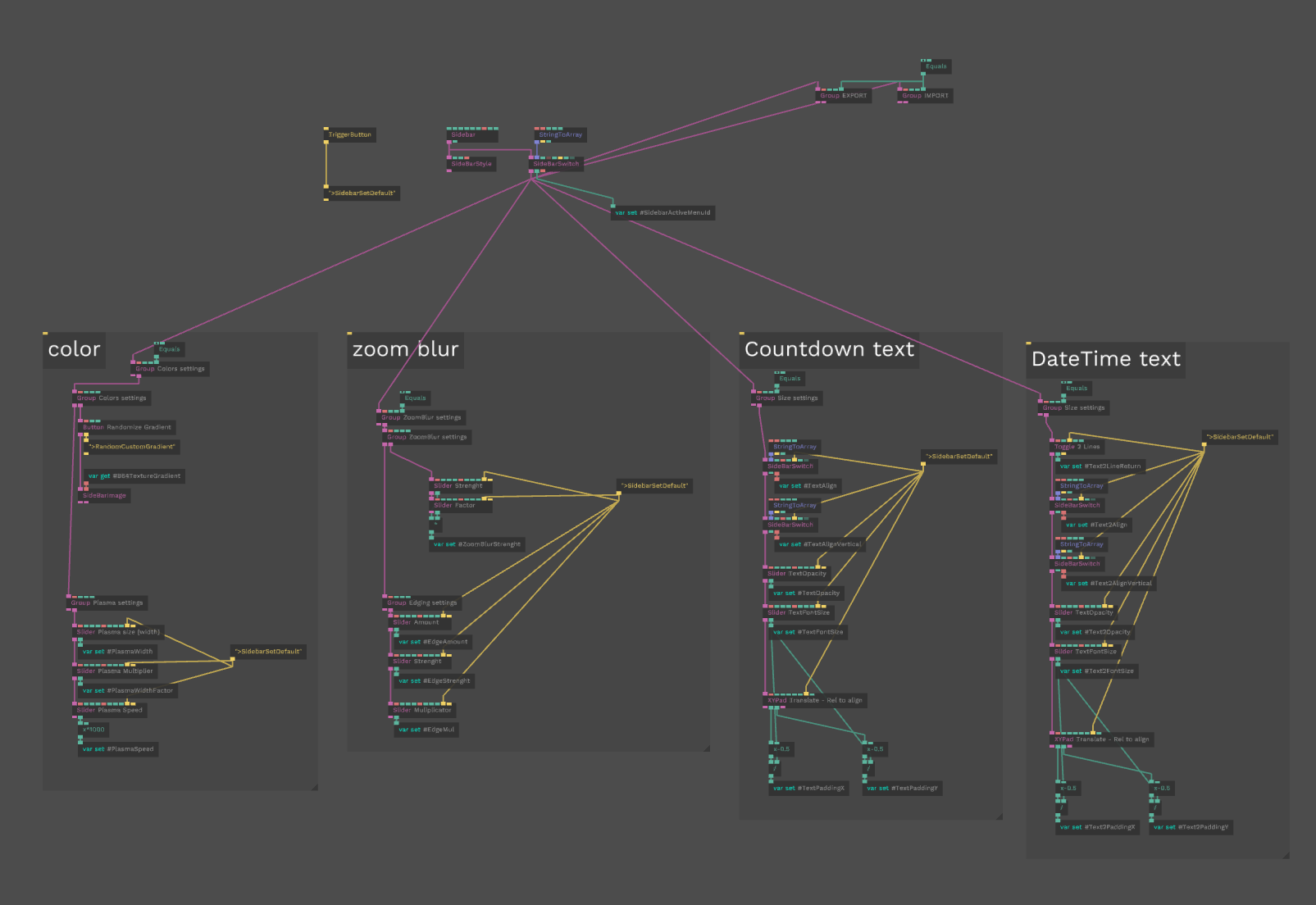
Sorry for the mess ! Here's the menus in node form, that's the entirety of the sidebar right there.
Top right is a future plans, import and exports of settings.
Here's for the visual part of it
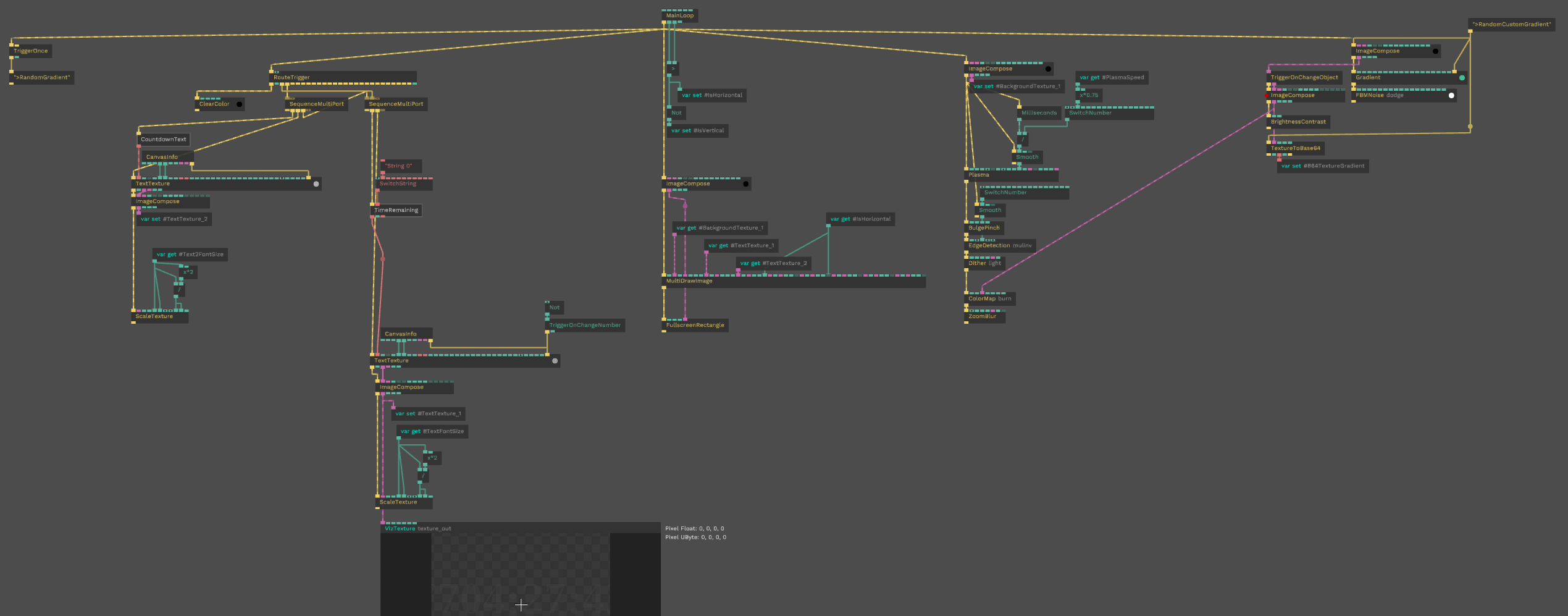
Seeing it again today, i would changes a looooot of things, but hey it means i progressed so yay
Performance wise you can bet it runs like a burning trash can. Optimising ??? Yo girl that's not a real word what are you inventing rn ??
Third project, frezlotte.ch
I always wanted a fancy, artsy landing page for https://frezlotte.ch, and now, i got one !
My latest project in date, went through a number of iterations, but am very happy about the end result !
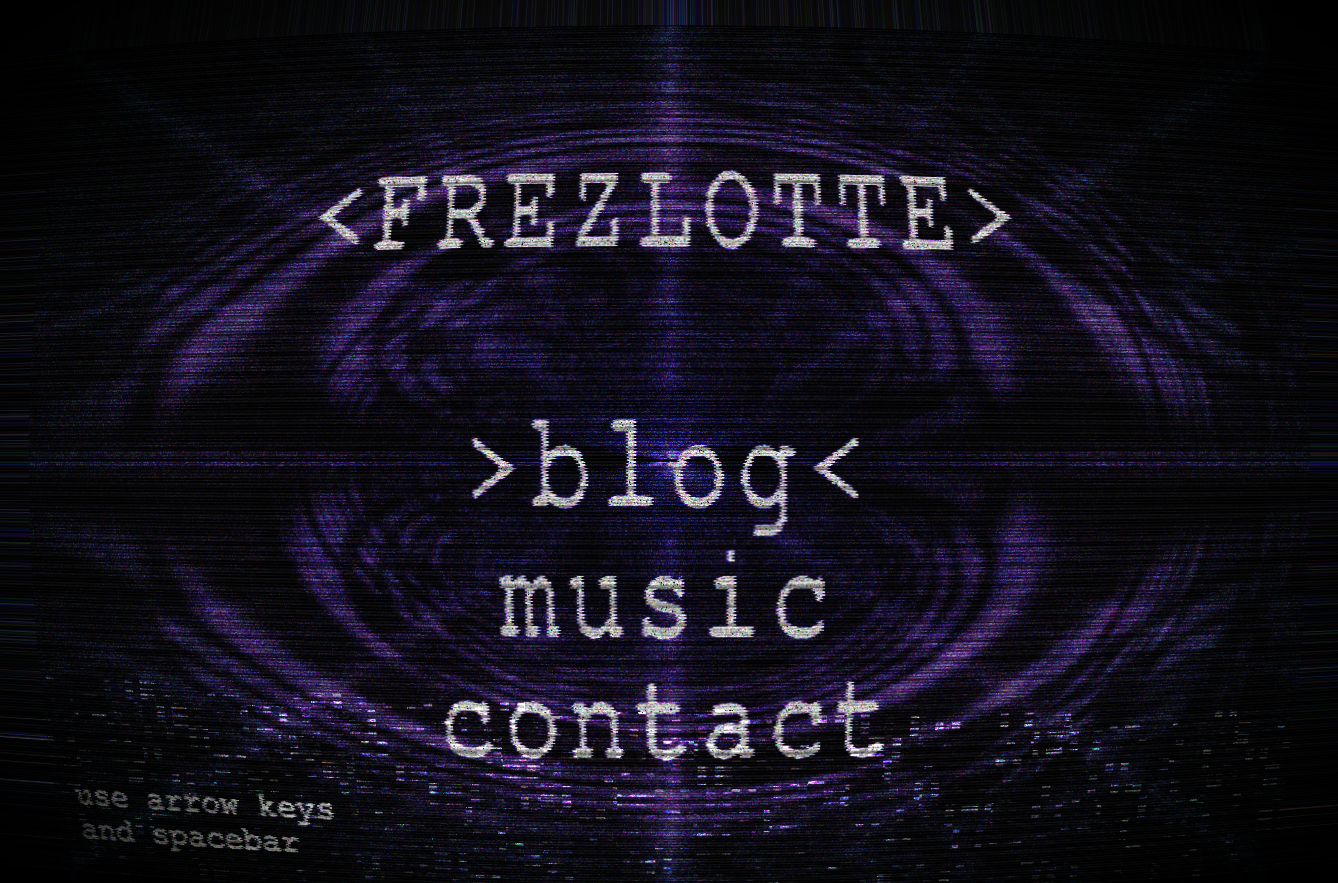
The glitches, the tv effects, the visual, exactly like i pictured it in my mind before actually doing it, maybe even better :3
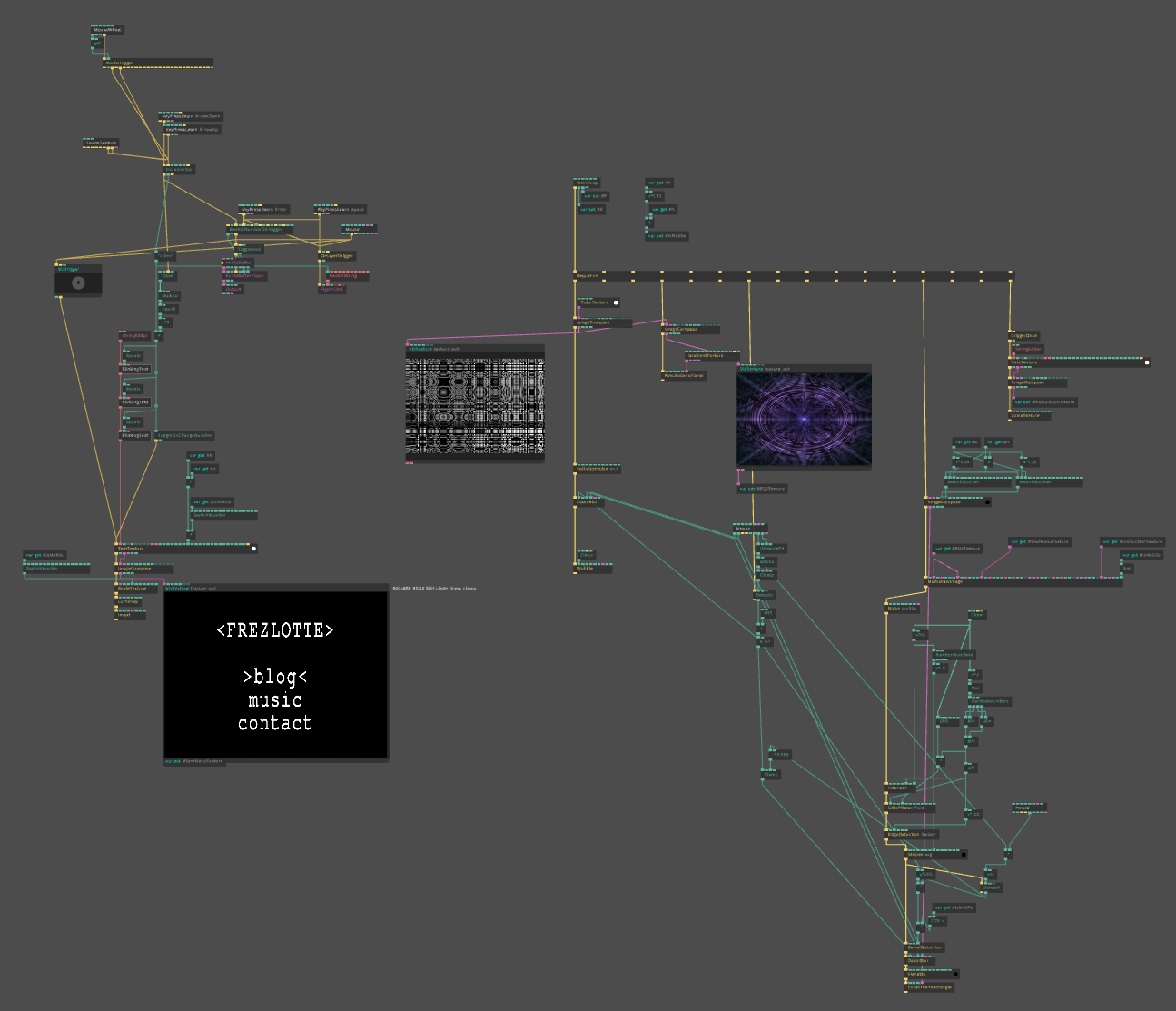
Looks messy but i promise i have a reason !! When i started this project it was cause i could use variables at all, am not sure what build i was on but even for the time.frezlotte.ch website i simply could use any, even in new files
So this project, at first, was done with no variables (that was horrible), especially the green thingy that goes left and right, that's Mouse movements, and with variables it would had been chucked in a corner, but now it's kinda difficult to tidy up without changing any behaviours...
For that website i had to do a lot of key mapping, up-down scroll-up scroll-down, space enter click and touch control too ! Was quite easy, and i made it so that the texture isn't reloaded for nothing so it's way better optimised, still capped fps to 24 cause that's the vibe i was going for.
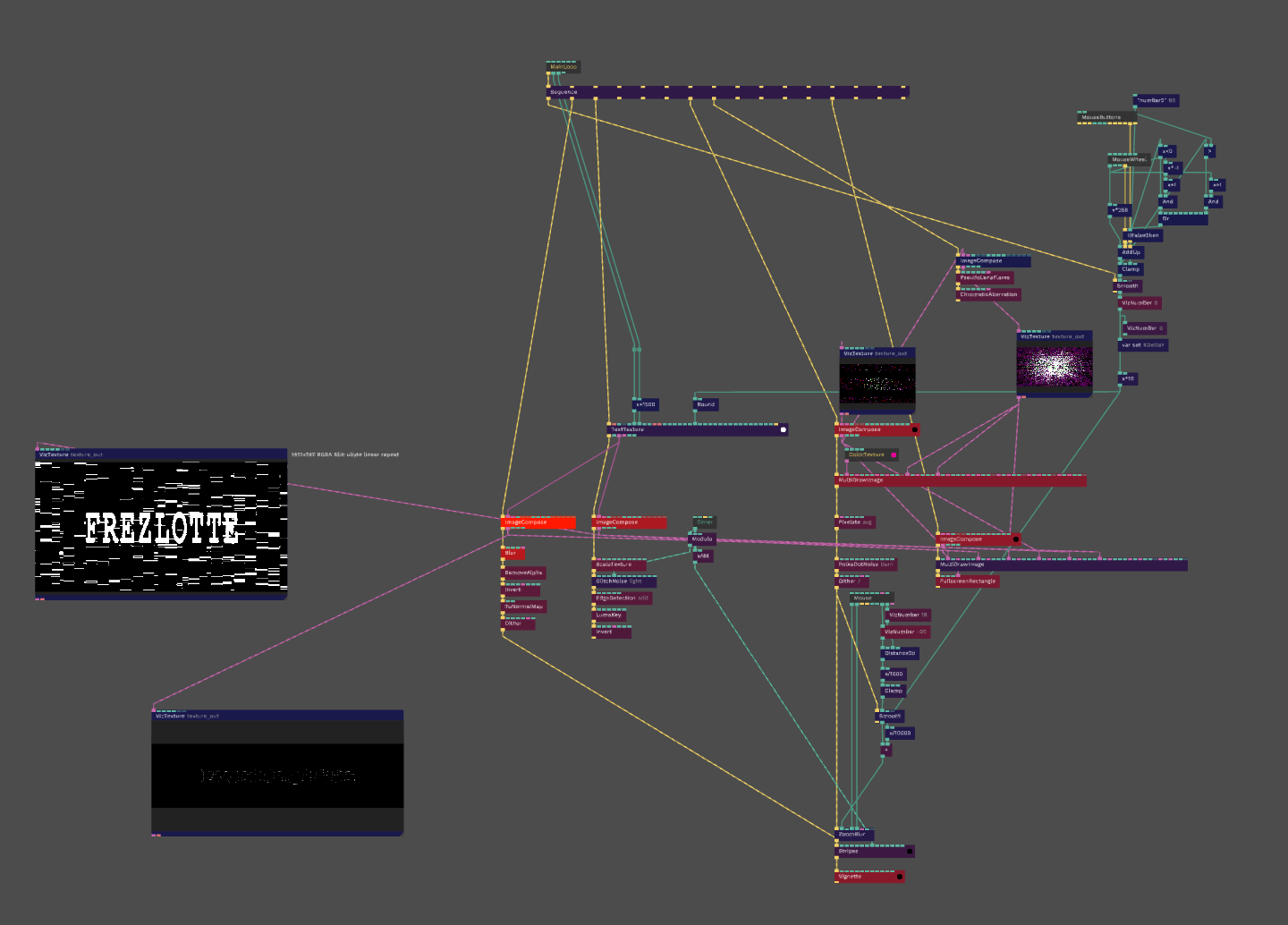
That's pretty much it, won't go into specifics but it's an introduction to that subject, below i'll post progress of different iterations of the website so you can see how it evolved.
Take care of yourself ! 🩵🩷🤍🩷🩵
No comments to display
No comments to display